Return to the conversation
Review saved, timestamped turns with clinician and patient speaker labels.
Bring saved conversations, transcripts and SOAP notes into one review workflow. NoteFlow helps clinicians revisit the source material and work with structured documentation.
Actual prototype walkthroughDiscuss an evaluationDetails are easy to lose when a conversation becomes a clinical note. A usable workflow needs both the original material and a clear place to review what goes into the record.
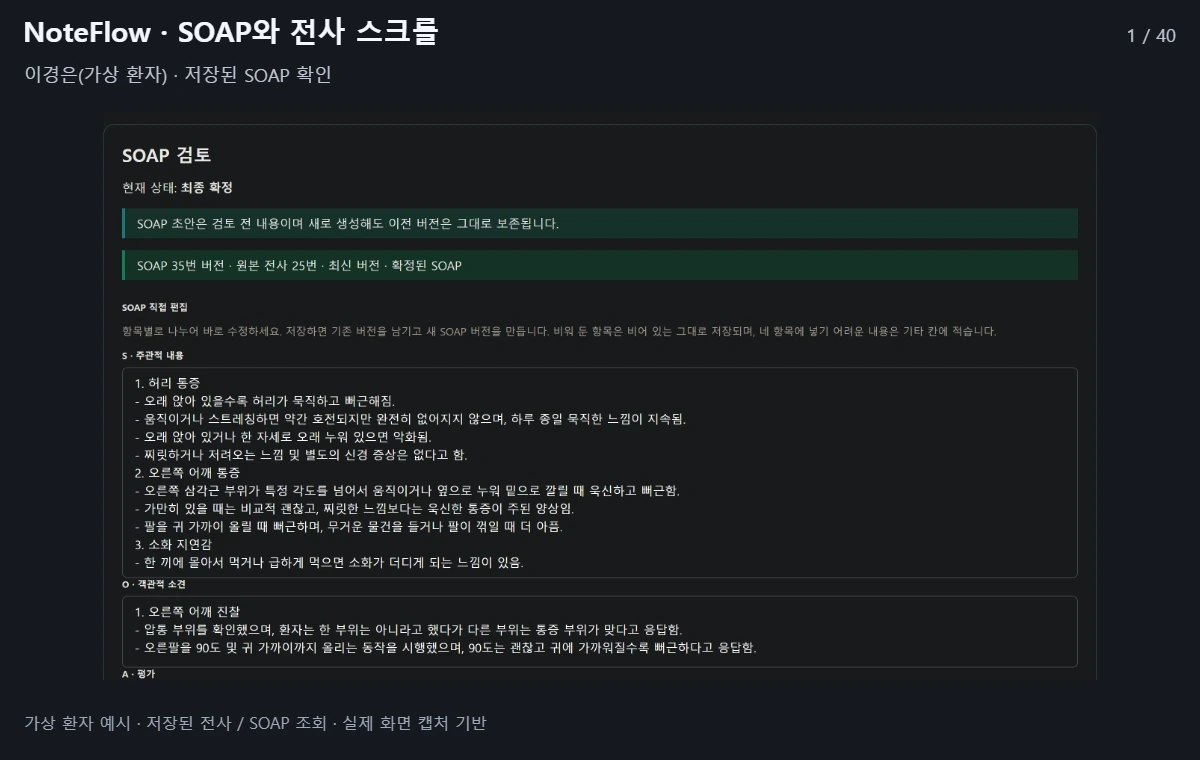
Review saved, timestamped turns with clinician and patient speaker labels.
Inspect the subjective, objective, assessment and plan sections alongside the original material.
Saved note versions and review or confirmation states remain visible in the evaluation interface.
Start from an existing transcript and its speaker-labelled conversation turns.
Check the structured note against what was actually said or recorded.
Review and edit documentation before it is used. New clinical judgments are not the purpose of this workflow.
These are development and evaluation tools, not a generally available self-service platform. Pricing and commercial launch dates are not finalized.
Clinical use of recordings or patient records requires a separate review of consent, authorization, storage, deletion, access and external AI transmission. The public scope does not include automatic sharing of patient information with the staff assistant. We do not claim medical or privacy certifications or clinical validation.
The example is a fictional patient. The intended scope is to organize what a clinician already said or recorded, with assessment and plan content left for clinician review. This is documentation support, not autonomous diagnosis, treatment recommendations or prescribing.
For general product inquiries only. Please do not send patient information, clinical records or recordings.
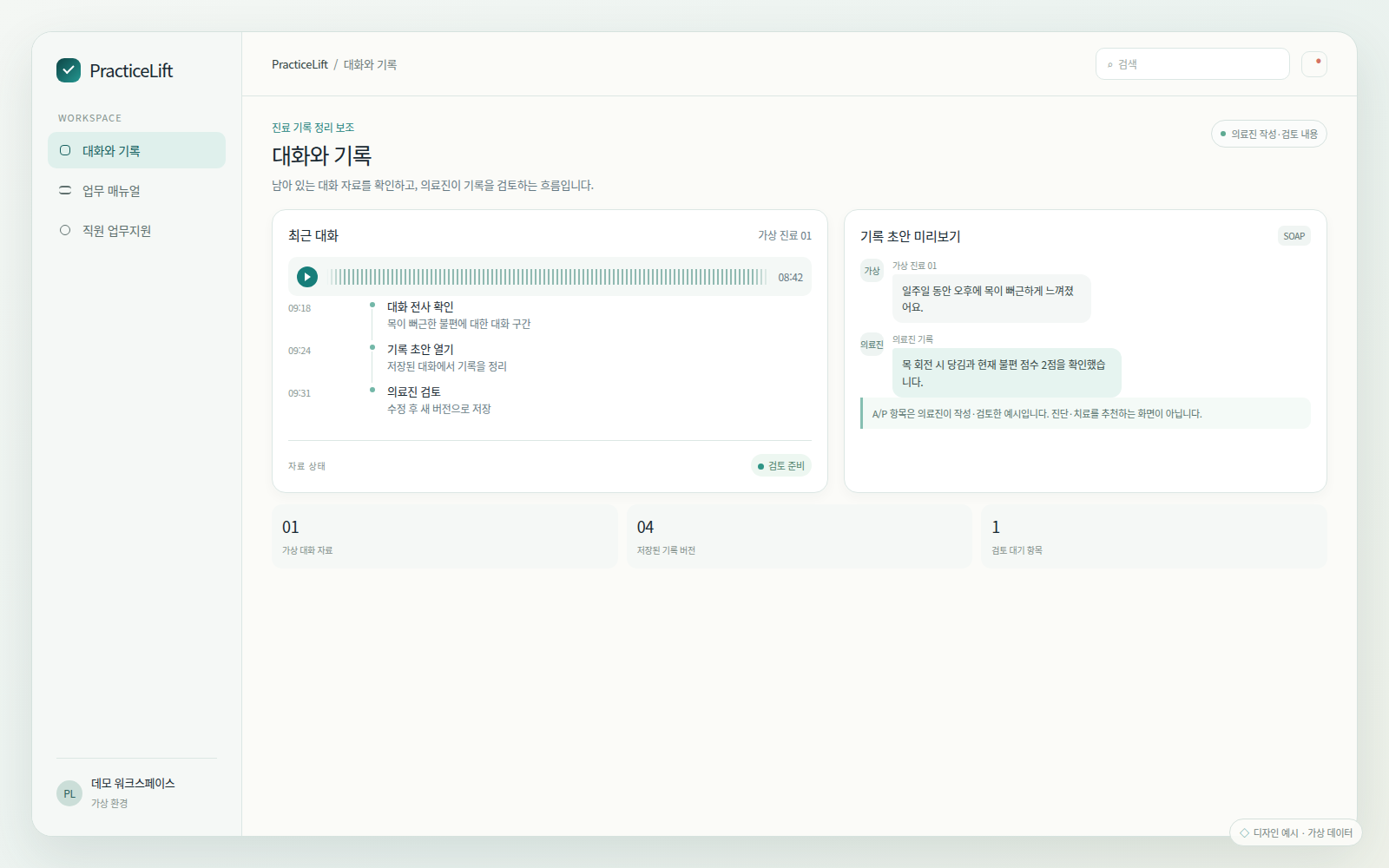
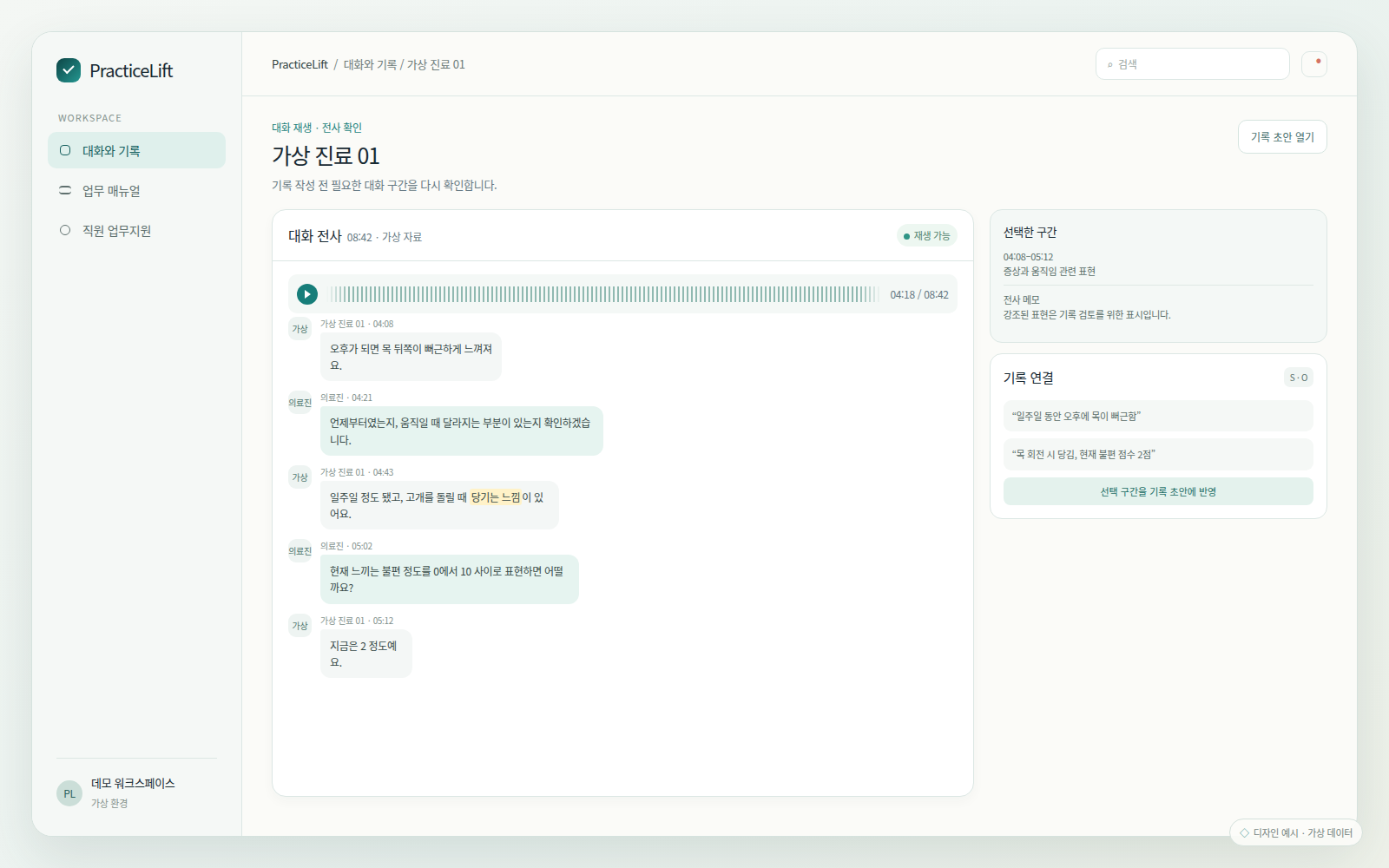
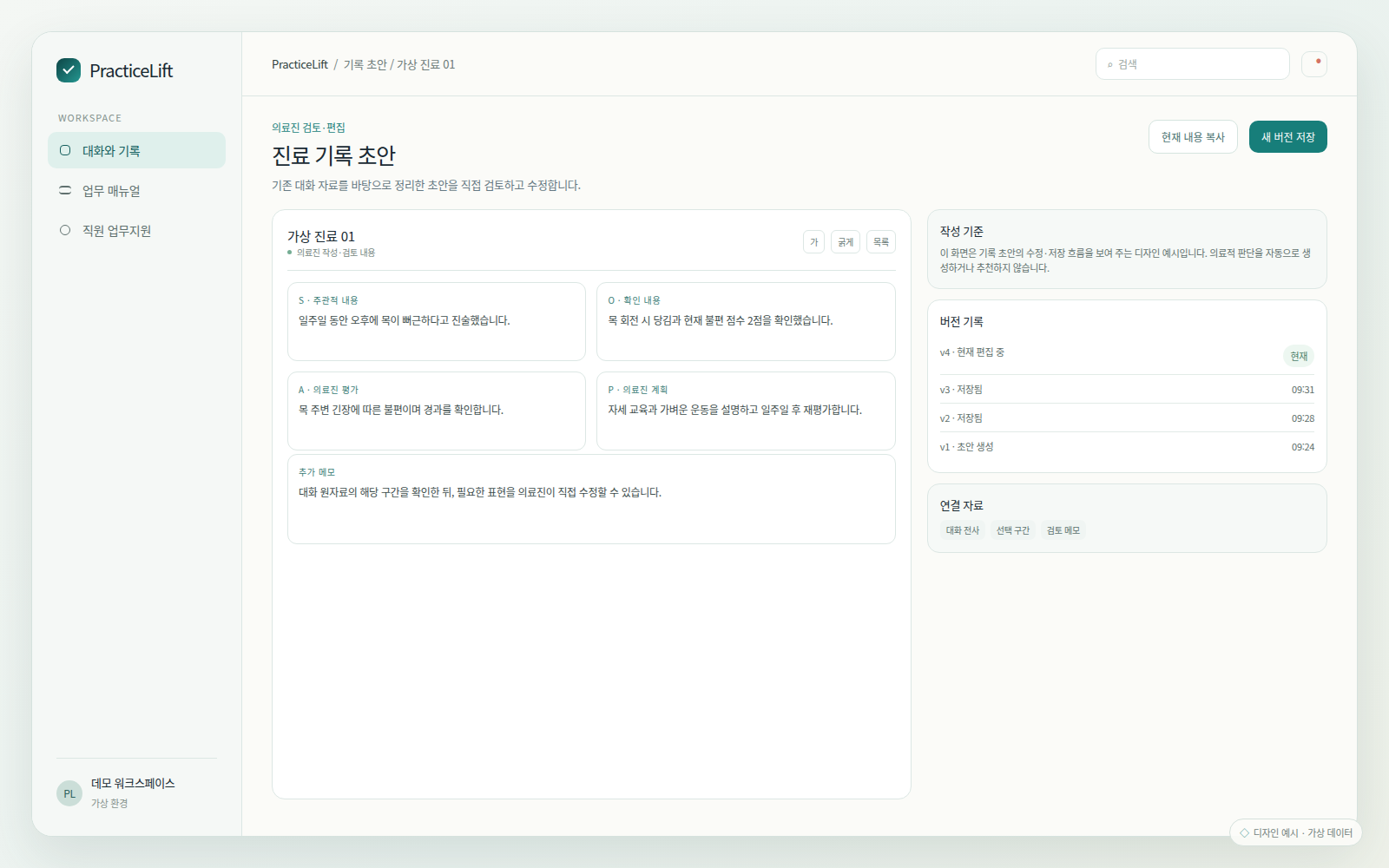
Fictional-data design examples, separate from the real prototype walkthrough above. These images do not demonstrate completed integrations.
For general product inquiries only. Please do not send patient information, clinical records or recordings.
[email protected]